Revit add-ins that finish MEP work while you sleep.
An AI agent, 62-rule model QA, shop-drawing automation and an overnight batch runner — built by an MEP BIM coordinator for real projects.
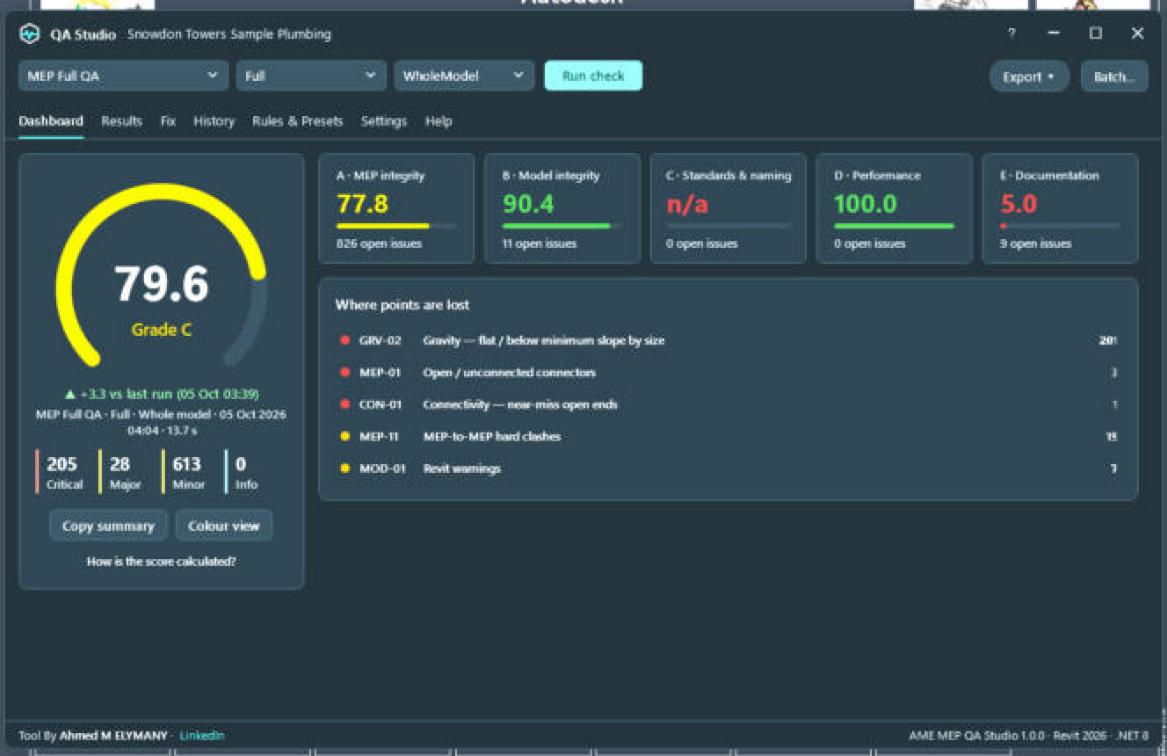
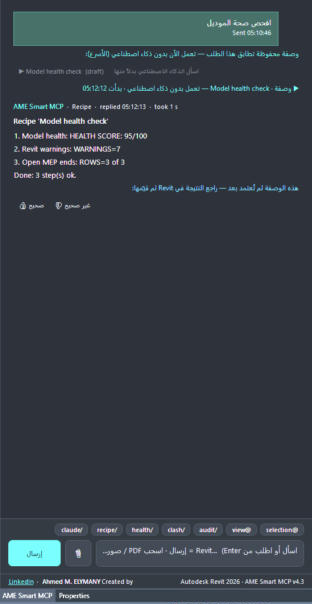
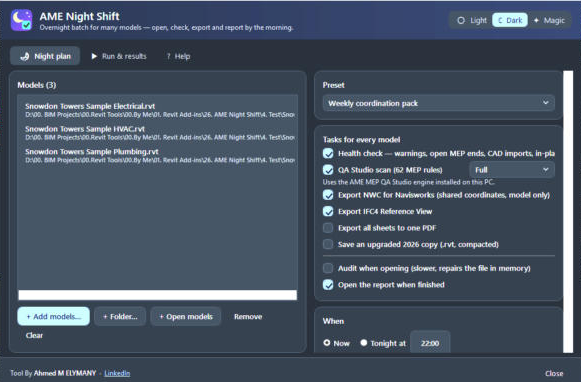
Flagship tools
The four tools that save the most hours on every MEP project.
All tools
Bundles
Tools that finish one job together — at a lower price.
Simple pricing in USD
Pay by card, PayPal or Apple / Google Pay. Invoice and tax handled at checkout. 14-day refund.
From checkout to your first result
Buy
Secure checkout. Your license key arrives by email in a minute.
Install
Run the MSI. The tool appears on the AME Tools tab in Revit 2026+.
Activate
Paste the key once. Updates for 12 months are included.
Work
Every tool ships with a tutorial PDF and an in-window Help tab.
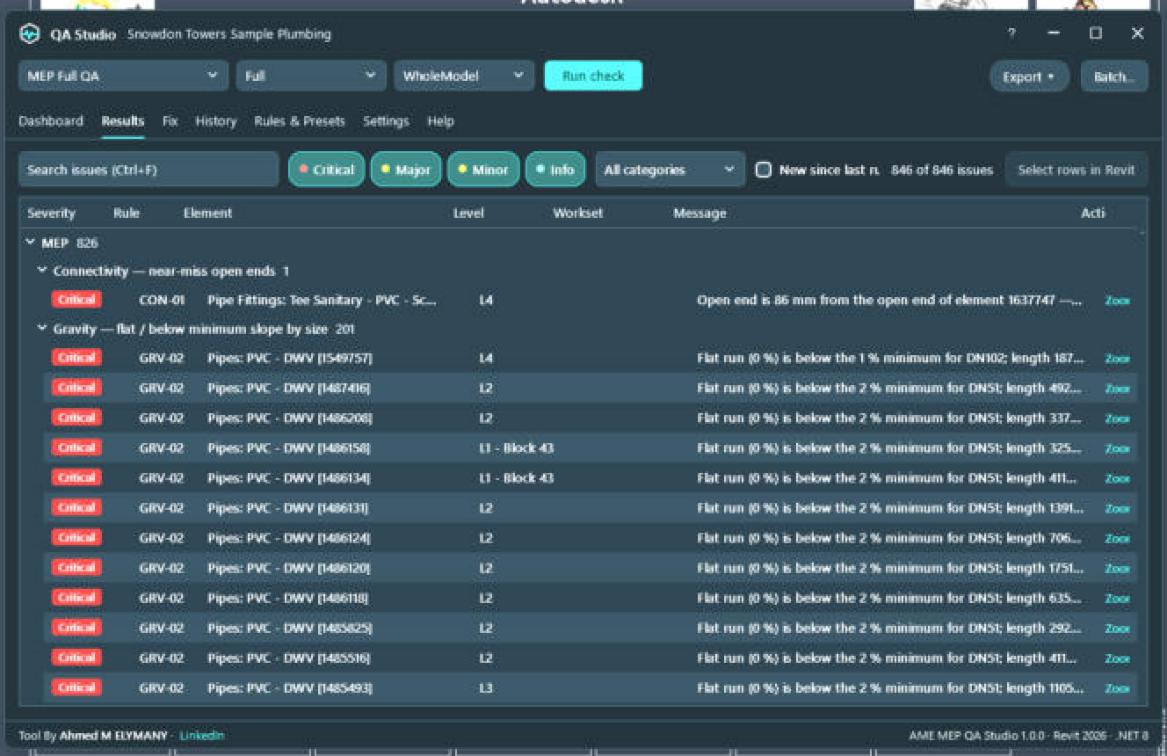
News
Questions
Which Revit versions are supported?
Revit 2026 and newer on Windows. Each release is tested on Revit 2026.
Do I need an AI subscription for Smart MCP?
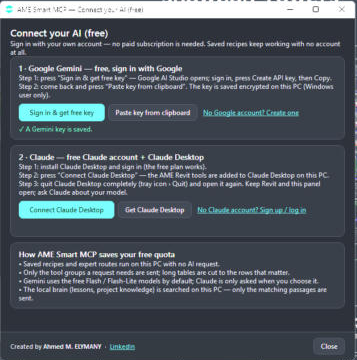
No. Saved recipes run offline with no AI. For questions you can connect a free Google Gemini key or a free Claude account through Claude Desktop — sign-in only.
Does my model leave my PC?
No. The tools run inside Revit on your PC. Smart MCP sends only the text you ask to the AI you choose.
Do the tools work with ACC / BIM 360 models?
Yes. Tools that work on the open model work with cloud models, and Night Shift can queue ACC models for overnight runs.
How do refunds and invoices work?
Our payment partner is the merchant of record: you get a proper invoice with tax handled, and a full refund within 14 days if a tool is not for you.
Can I move my license to a new PC?
Yes — deactivate on the old PC or write to us and we reset it.